Google Play Store PC
Gives you access to any type of Apk Android App on your Windows PC.

Safe & Secure
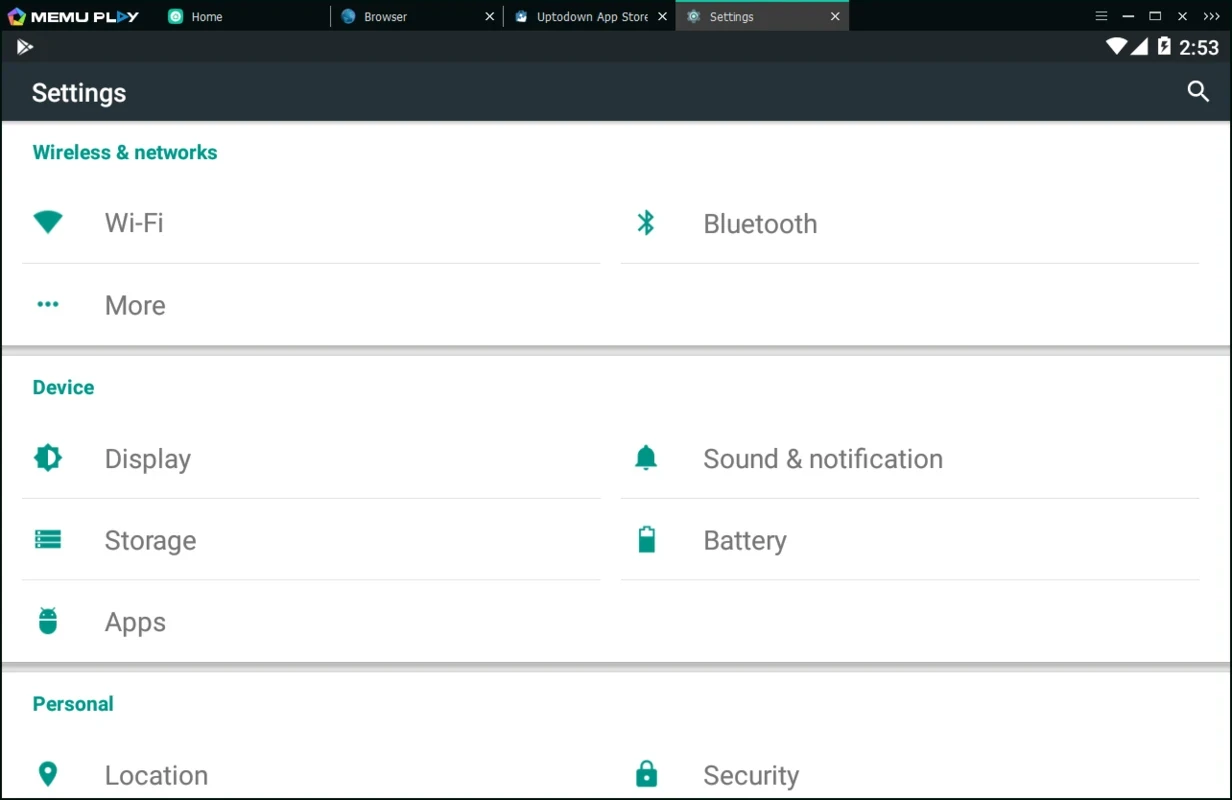
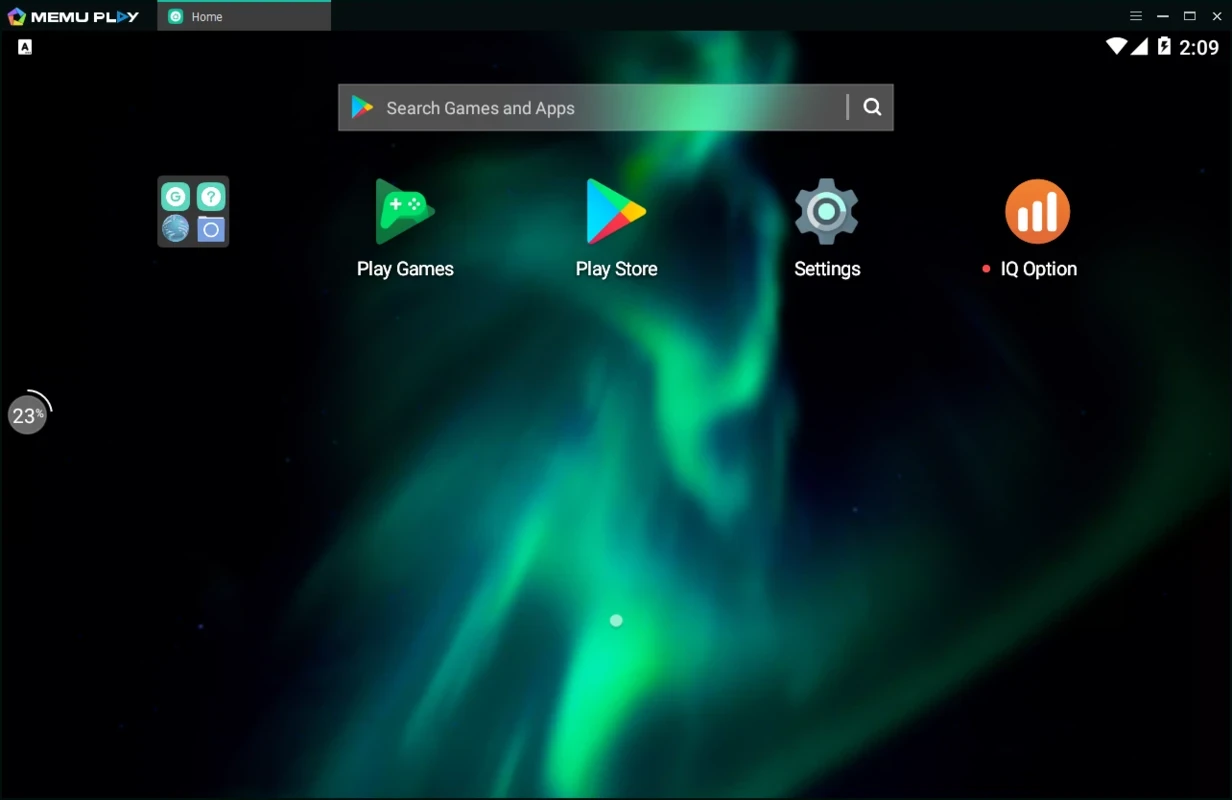

MEmu Player is a powerful Android emulator that offers awesome services in different scenarios, such as running Android apps, testing apps without a mobile phone, and running messaging and utility apps for typing messages comfortably using the keyboard.
Compared to a PC screen, a mobile screen is small, gets overheated within an hour, and causes battery drain. To avoid such issues, an emulator such as MEmu was introduced that reliably installs your favorite apps from the Google Play Store to the big screen and runs them in full-size with proper controls.
MEmu Player, developed by Microvirt, falls under the Tools and Utilities category and is freeware software. It is used for emulating a native Android experience on desktop Windows PCs, allowing users to install, run, and control their favorite Android apps with the help of a keyboard, mouse, or external controllers.
The versatile emulator supports an extensive number of Android versions, ensuring smooth and robust performance to operate multiple tasks across multiple instances. It proves the best choice for both, the casual users and professional testers as well.
The innovative app is built for multiple operating systems, such as Windows, Linux, or Mac. However, it is simulated in a sandbox of the Android OS and offers the best performance using hardware virtualization like Intel VT or AMD-V for simulating multiple cores, same as the Android device does, although the perspective for the emulator from both operating systems is different, such as;
For Android: it is simulated by software, accessing devices such as CPU, memory, screen orientation, camera, battery, ROM, accelerometer, WiFi, GPS, SD card, and so on.
For Windows: an emulator is just an application for Windows, allowing to store entire Android data available in a certain Windows folder within several files.
It offers comprehensive key mapping functionality to enhance the Android experience, connecting the keyboard or joystick to screen touch. You will find the overall Android experience on the desktop with flexible customization. It facilitates sensor data like accelerometer to Android, ensuring to run multiple apps intuitively, and multiple other operations, such as GPS location simulation, and even file sharing between Windows and Android.
The emulator offers robust performance across multiple operating systems, specifically to make the most of the hardware of your Windows PC. It ensures smooth graphics rendering, responsive control input, and fast app launching, leveraging advanced virtualization technologies. You will enjoy graphically intensive Android applications and utilities, with support for OpenGL and DirectX. The app proves to be the best choice for both individuals and professionals, offering high performance, a user-friendly interface, and extensive customization options.
The user interface has a clean and user-friendly layout, offering a main dashboard, keyboard mapping tools, and drag-&-drop APK installation. It offers quick and smooth navigation for the entire functionality, enhancing productivity. The seamless accessibility and flexibility offer a smooth experience and also support app testing and multitasking across multiple Android environments.
It is another significant feature, ensuring the running and controlling of multiple virtual devices simultaneously. The app offers a flexible emulator environment to enable users to manage independent settings for CPU, memory, and resolution, running several emulators concurrently. In the way, you can enhance the productivity and productivity.
Beyond Android apps emulation, it also offers multitasking capability, allowing the users to operate multiple tasks along with emulating Android apps on your desktop PC. It supports drag-&-drop options for your ease to share your files between your PC and the virtual Android device. Moreover, it also allows developers to test apps as well.
The comprehensive app proves to be the best choice for users of both types, such as beginners and professionals, ensuring a reliable and flexible emulating environment. It combines simplicity and versatility while offering robust performance, extensive customization, and multi-instance support. The dependable user interface backed by regular updates provides an awesome emulating ecosystem.
Pros
Cons

Gives you access to any type of Apk Android App on your Windows PC.

PC App Store download, install, and keeps up-to-date your PC programs

free emulator to play Android apps on your pc with extra performance, reliability

Bijoy Bayanno the most powerful software to write Bengali language on PC

Media Creation Tool is upgrading and installing Windows 10 bootable installed disks.

Rufus easily change your USB Flash to a bootable ISO flash drives.